Creating Your Novel: From Brain Dump to Novel
You have an idea for a book. It might be a single scene, a unique character, or a simple "what if" scenario. This guide shows you how to take that initial spark and build it into a structured novel using a simple, step-by-step process.
Creating Your Novel: From Brain Dump to Novel
You have an idea for a book. It might be a single scene, a unique character, or a simple "what if" scenario. This guide shows you how to take that initial spark and build it into a structured novel using a simple, step-by-step process.
The Brain Dump: A Low-Friction Start
To begin, create a new novel. You will land on the brain dump page. This is a simple space designed to capture your ideas without pressure.
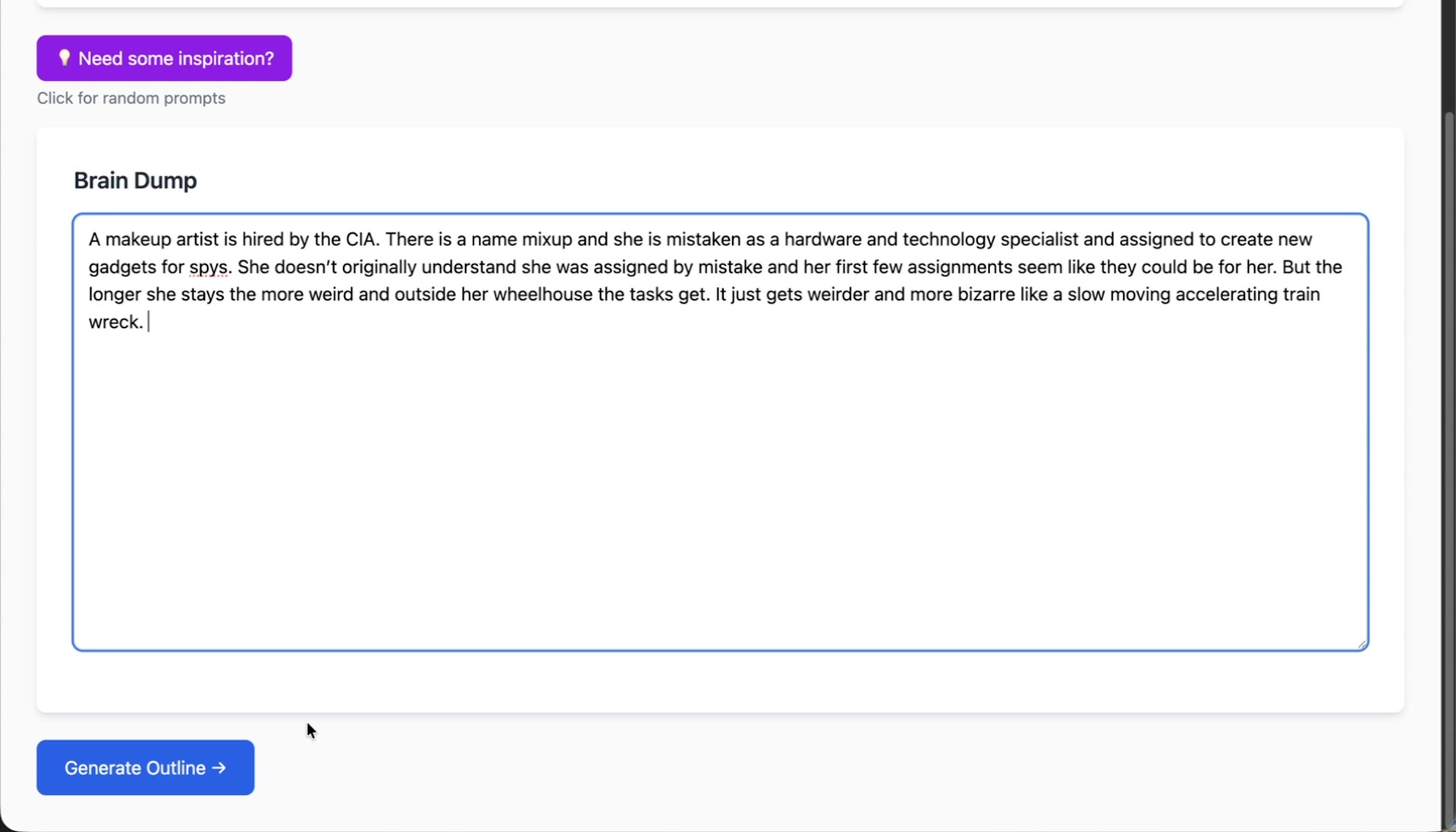
Write down anything that comes to mind: scenes, dialogue, character concepts, or random bits of inspiration. The goal is to get your thoughts out, not to write perfectly.
Generating Your Outline
Once you have your ideas down, generate an outline. The tool analyzes your brain dump and organizes it into a story structure. It extracts key ideas, defines the story's context, and creates a foundational outline for you to edit. It also suggests a title, which you can change at any time.
Nothing is locked in. This initial structure is a scaffold to help you see your story more clearly and inspire creativity.
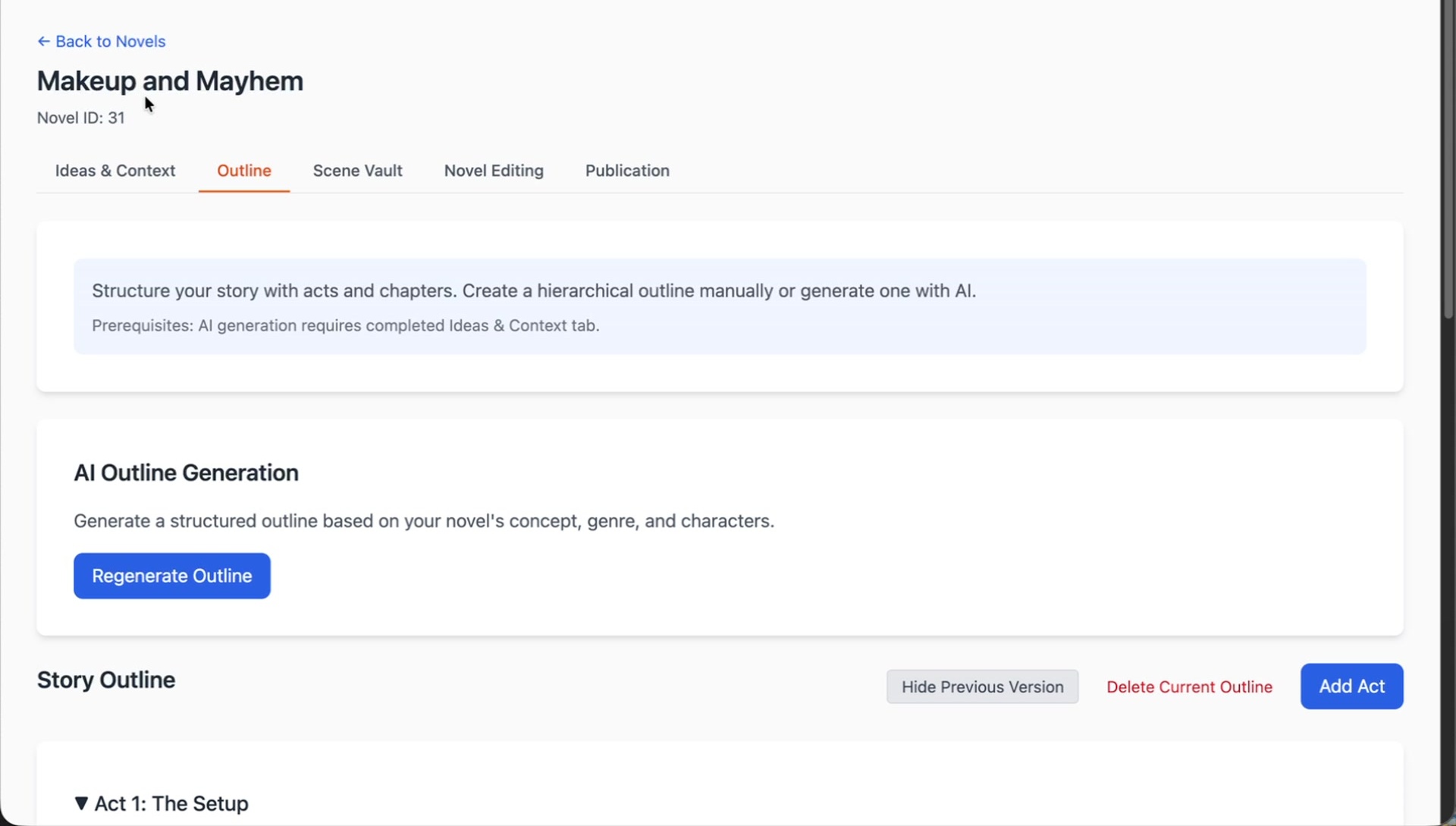
Reviewing Ideas and Characters
This area summarizes the core elements derived from your brain dump.
- Main Concept: The central theme or plot of your story.
- Settings & World: The environment where your story takes place.
- Characters: Characters mentioned in your brain dump are automatically imported. The tool may also suggest additional characters based on your story's context.
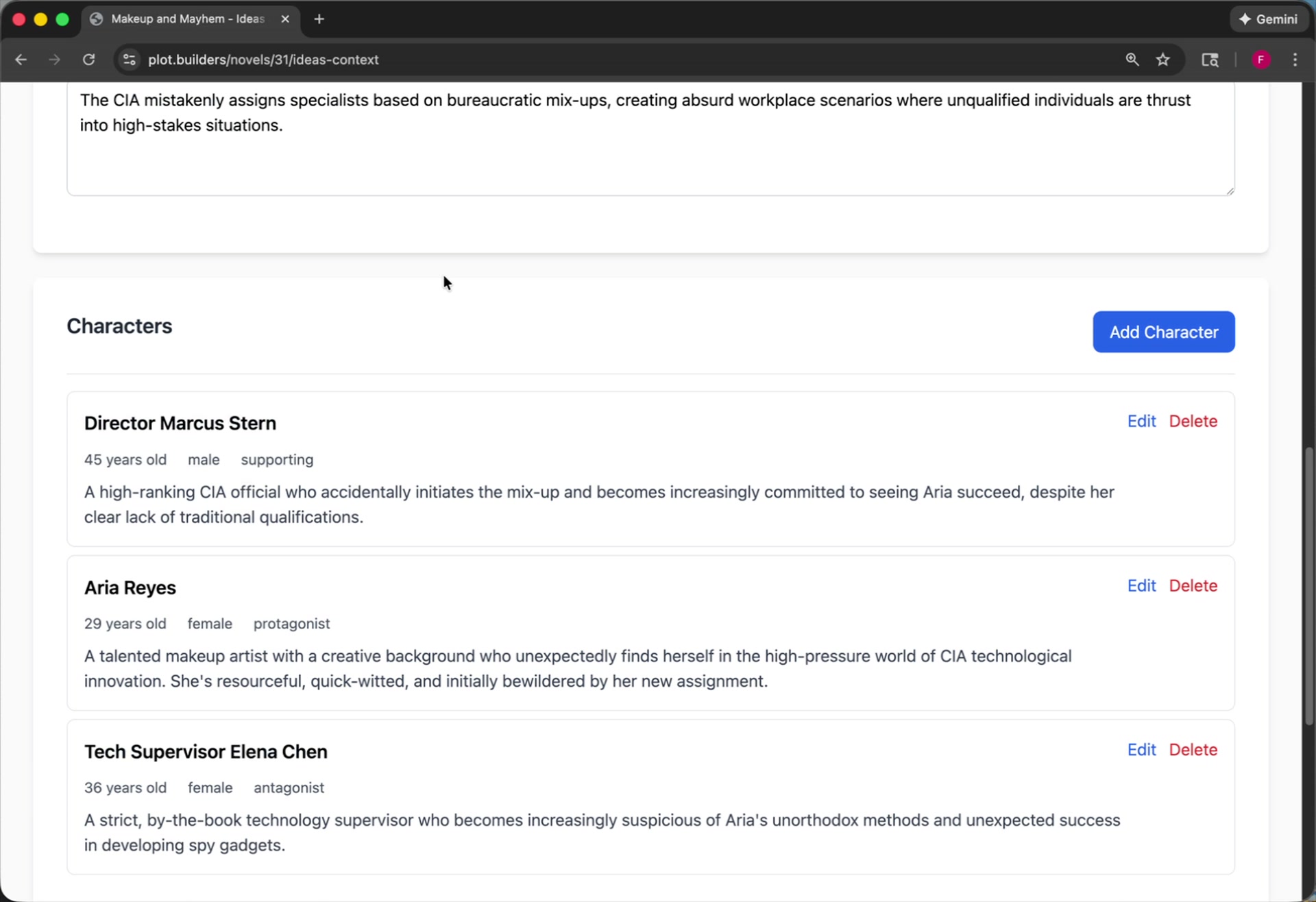
You can refine character descriptions or add new ones to better match your vision. Regenerate the outline at any point to incorporate your changes.
Editing the Story Outline
The outline page organizes your story into a classic three-act structure: Setup, Confrontation, and Resolution. Each act is broken down into plot points, which function as chapters.
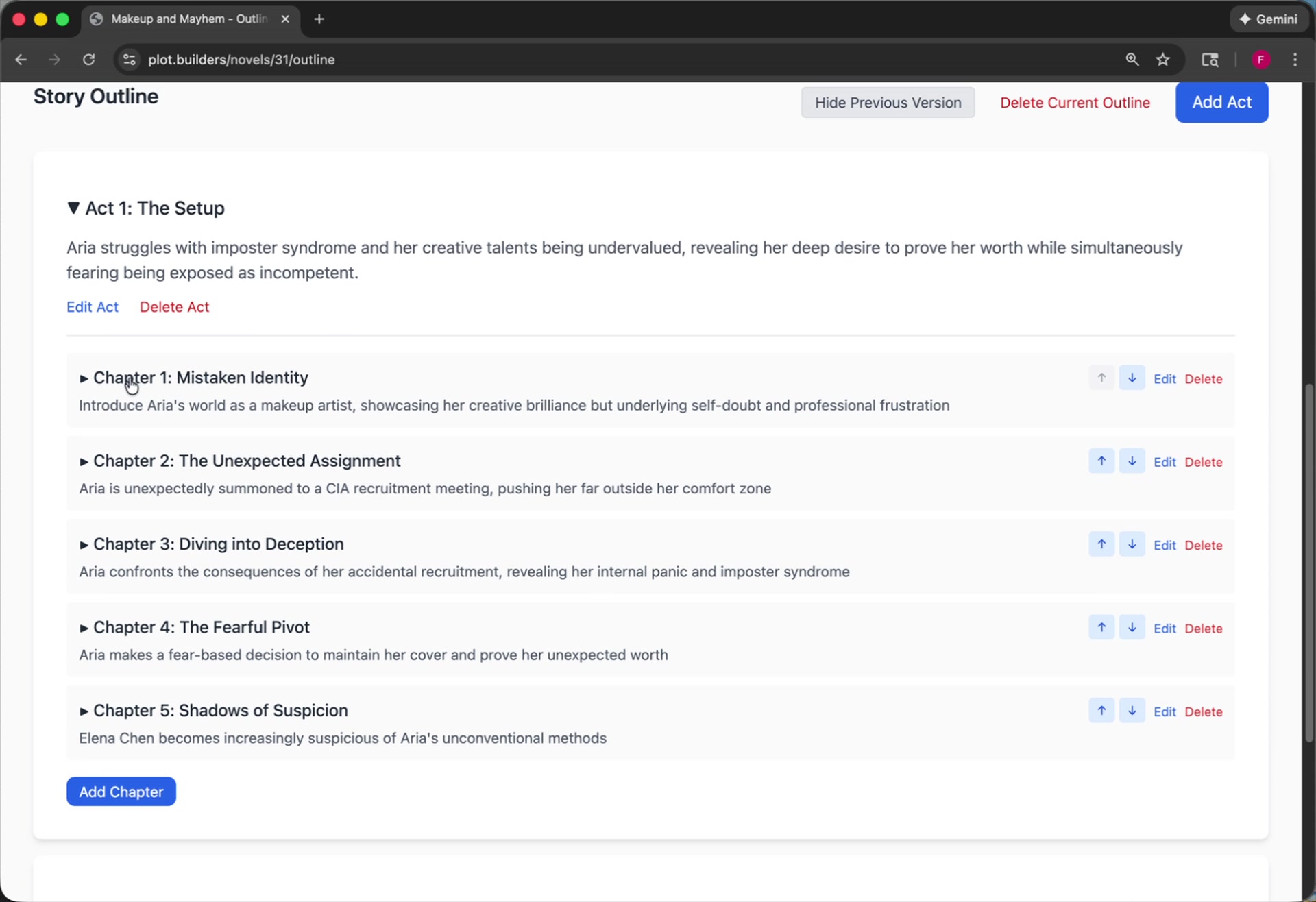
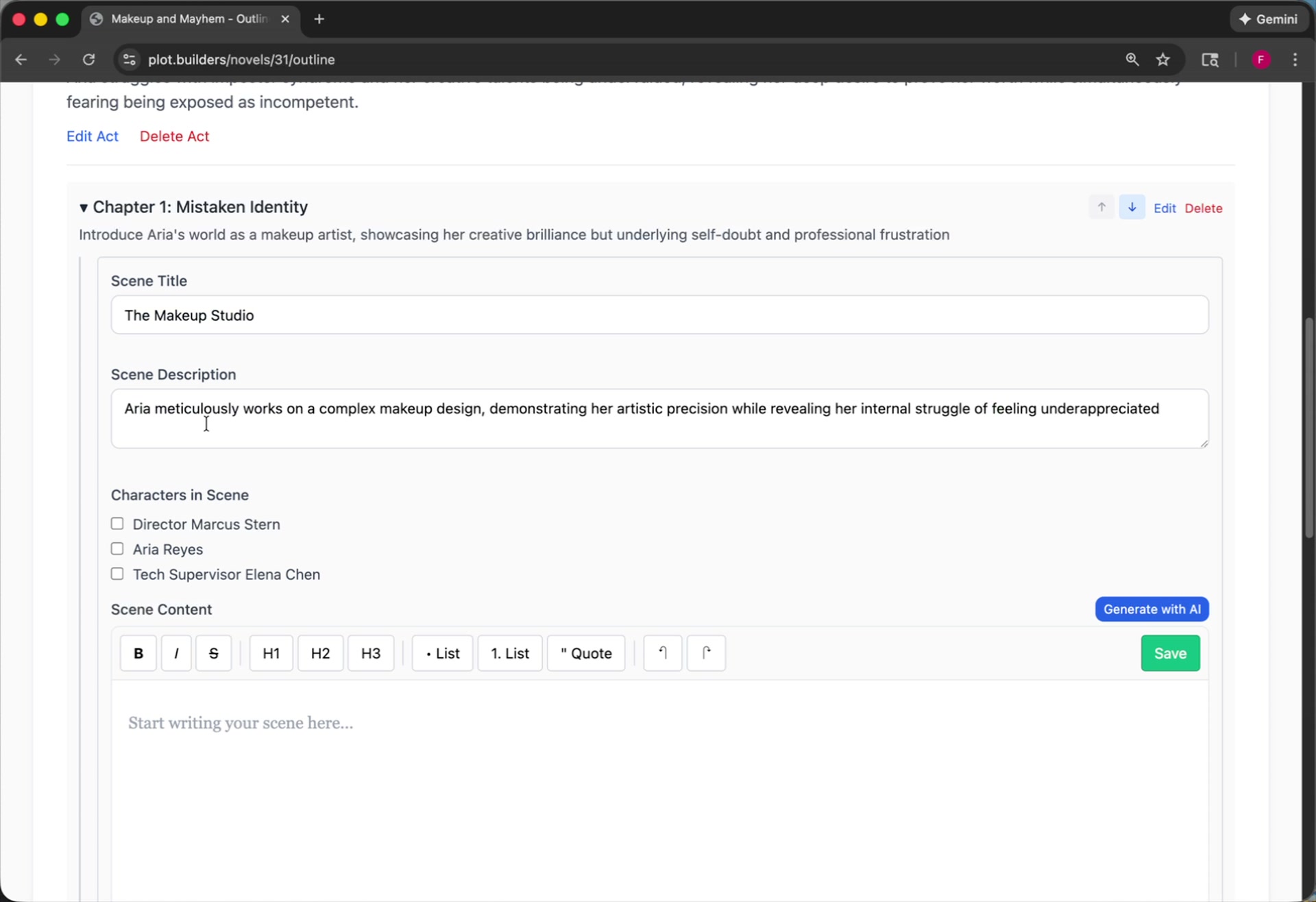
Each chapter contains auto-generated scenes. You can edit every part of this structure. Click into a scene to:
- Edit the scene title and description.
- Specify which characters appear in the scene.
- Write the scene yourself or use AI to generate a first draft.
The Novel Editor
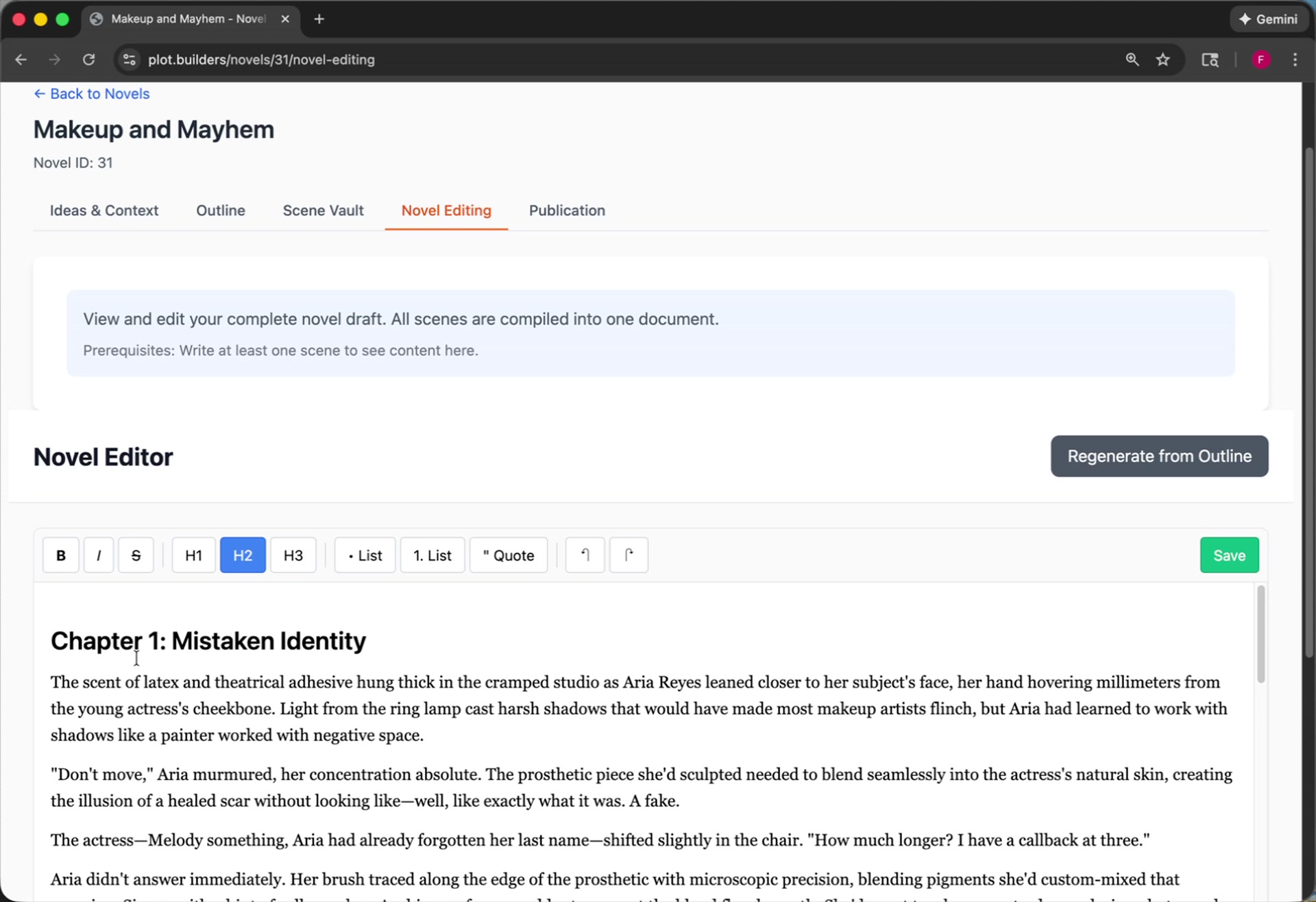
After you have created your scenes, the novel editor concatenates them into a single, continuous document. This gives you a complete manuscript view, making it easy to read through and perform larger edits.
Publication and Export
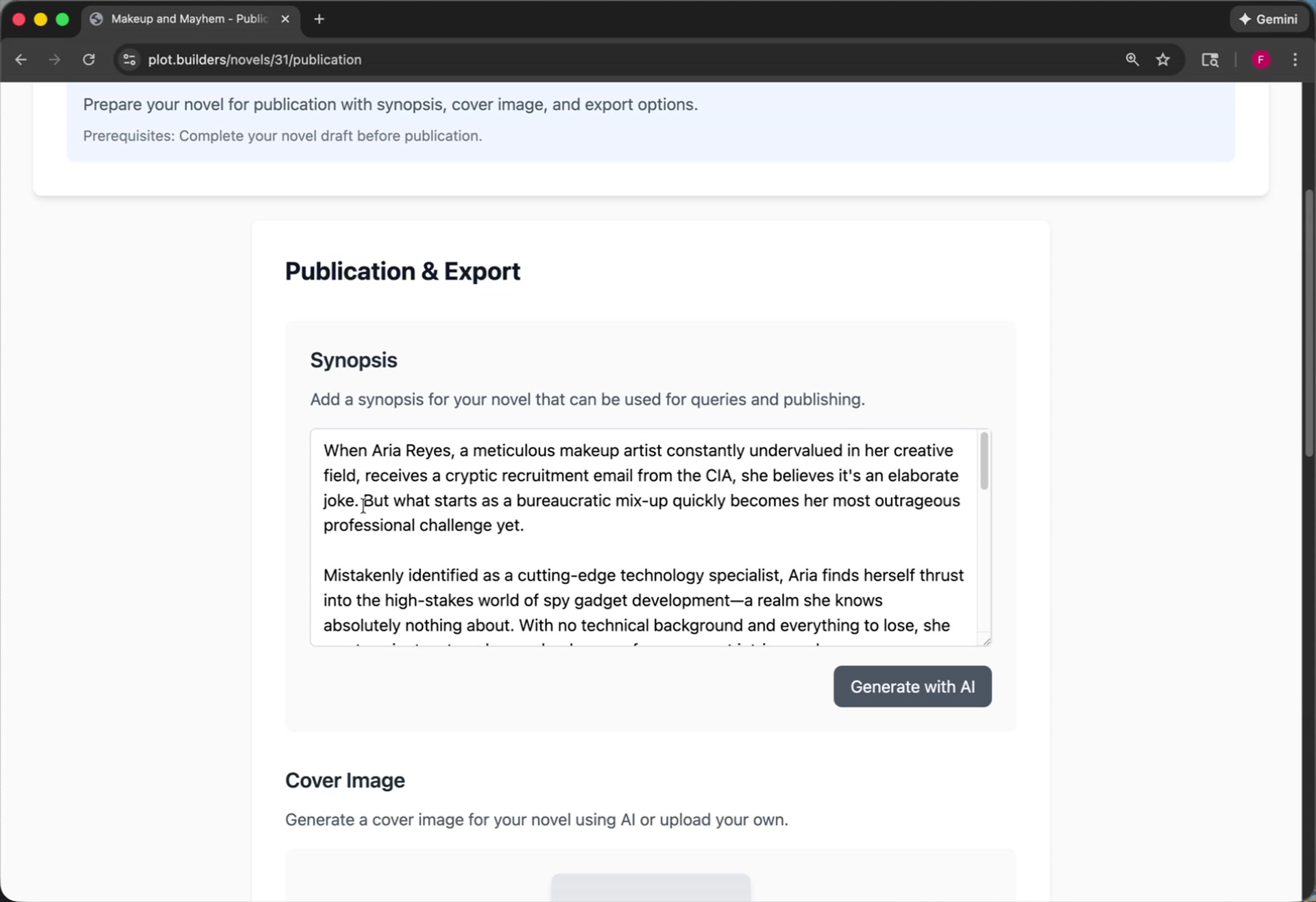
The publication page provides tools to prepare your novel for sharing. Here, you can generate a synopsis for your story, create a cover image, and export your work in multiple formats.
Conclusion
This process provides a clear path from a raw idea to a finished manuscript.
- Start with a brain dump to capture all your initial thoughts.
- Generate an outline to create an instant story structure.
- Refine your ideas, characters, and plot within the flexible outline.
- Write or generate scenes to build out your narrative.
- Edit and publish your completed work.
You have the tools to get started. That book is ready to be written.